
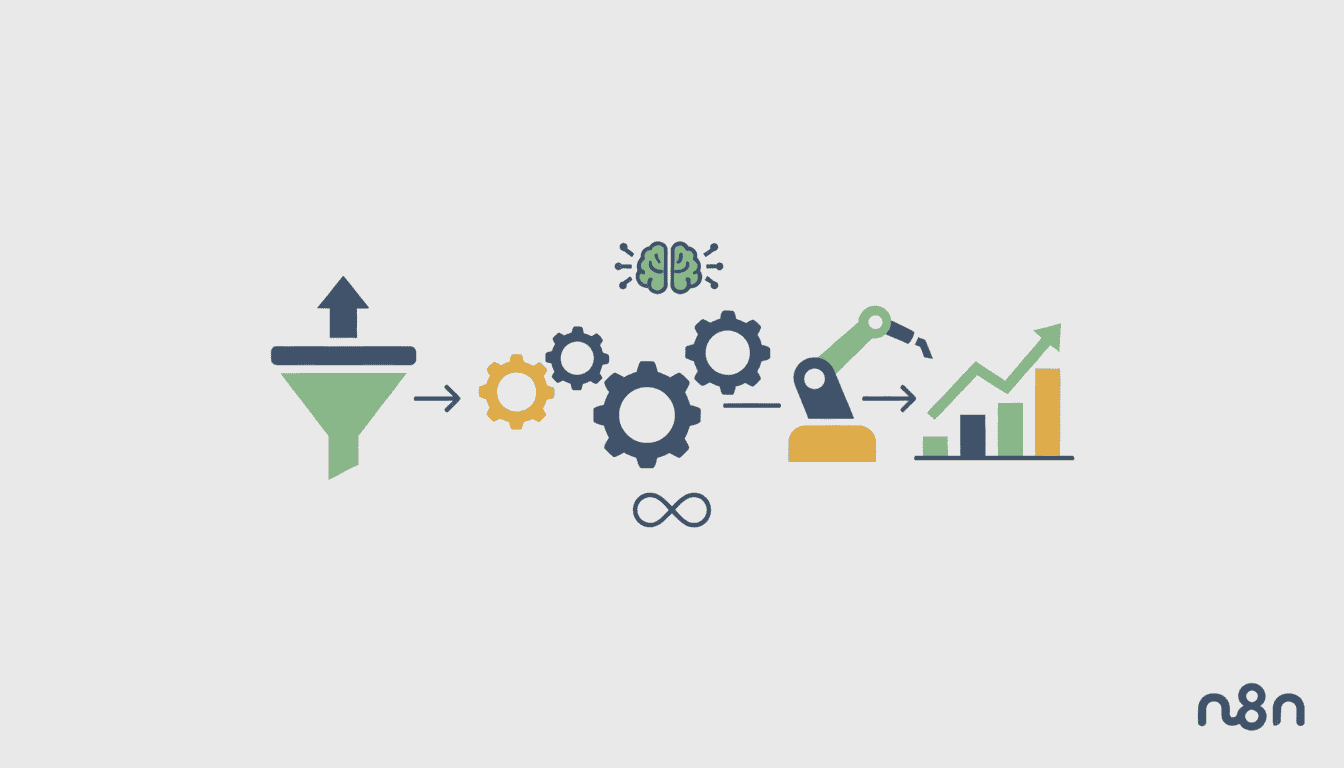
Sales Automation Workflows: How to Automate Your Pipeline
In today’s fast-paced business environment, sales teams are constantly seeking ways to increase efficiency and productivity. Sales automation workflows provide an effective solution by streamlining repetitive tasks and creating systematic approaches to nurturing leads and closing deals. By implementing well-designed sales workflow automation, teams can focus on what they do best—building relationships and solving customer problems—while technology handles the routine processes.
This guide explores how to develop and optimize sales automation workflows to transform your sales pipeline, increase conversion rates, and reduce the time your team spends on administrative tasks. Whether you’re new to sales automation or looking to refine your existing processes, these strategies will help you build a more efficient and effective sales operation.
Understanding Sales Automation Workflows
Definition and Importance of Sales Automation
Sales automation workflows refer to the use of technology to automate manual, time-consuming sales tasks and processes. These workflows create a systematic approach to managing prospects through your sales pipeline, from initial lead capture to closing deals and beyond.
At its core, sales automation streamlines repetitive tasks that would otherwise require manual intervention from your sales team. This includes activities like:
- Lead scoring and qualification
- Email sequence deployment
- Meeting scheduling
- Follow-up reminders
- Data entry and CRM updates
- Sales activity tracking
The importance of sales automation workflows cannot be overstated in today’s competitive landscape. As businesses face increasing pressure to do more with less, automation allows sales teams to maintain personalized interactions with prospects while handling larger volumes of leads. It ensures critical steps aren’t missed and provides consistency across the customer journey.
Benefits of Implementing Sales Automation Workflows
Implementing sales automation workflows delivers significant advantages for organizations of all sizes:
| Benefit | Impact |
| Increased Productivity | Sales reps save 3-5 hours per week by automating routine tasks |
| Improved Lead Management | Consistent follow-up with all leads; no prospects fall through the cracks |
| Enhanced Data Quality | Automated data capture reduces manual entry errors |
| Accelerated Sales Cycle | Faster response times and smoother transitions between pipeline stages |
| Better Customer Experience | Timely, relevant communications based on customer actions and needs |
When sales teams automate routine tasks, they gain valuable time to focus on high-value activities that require human touch—building relationships, understanding customer needs, and providing thoughtful solutions. Additionally, automation provides valuable data on what’s working and what’s not, enabling continuous improvement of the sales process.
Key Components of Effective Sales Automation Workflows
Essential Tools for Sales Automation
To effectively automate your sales pipeline, you’ll need a combination of tools that work together seamlessly. The foundation of sales automation typically includes:
- Customer Relationship Management (CRM) System: The central hub that stores all customer data and interactions
- Email Automation Platform: Manages email sequences, templates, and tracking
- Lead Generation and Capture Tools: Forms, landing pages, and lead magnets that feed prospects into your system
- Meeting Scheduler: Eliminates back-and-forth emails by allowing prospects to book directly into your calendar
- Sales Engagement Platforms: Centralize outreach across multiple channels (email, phone, social)
- Analytics and Reporting Tools: Measure performance and provide insights for optimization
When selecting tools to automate sales pipeline functions, look for those with robust integration capabilities. The most effective sales automation workflows connect these tools to create a seamless information flow without data silos.
Integrating Your CRM with Sales Workflows
Your CRM system should serve as the foundation of your sales automation strategy. When properly integrated with other tools, CRM automation workflows can trigger actions across your tech stack based on prospect behavior or sales stage changes.
Key integration points for your CRM include:
- Marketing automation platform synchronization for lead scoring and handoff
- Email platform connection for tracking communications history
- Document management tools for proposal and contract generation
- Meeting tools that record scheduled appointments in the CRM
- Sales intelligence platforms that enrich contact data automatically
Effective CRM integration ensures that all customer information is centralized and up-to-date, providing sales reps with a complete view of each prospect’s journey. This enables more informed conversations and prevents the awkward situation of asking for information a prospect has already provided.
Creating Your Sales Automation Workflows
Mapping Out Your Sales Process
Before implementing automation, it’s essential to document your current sales process in detail. This exercise helps identify which stages and activities are prime candidates for sales workflow automation.
Follow these steps to map your sales process:
- Define your pipeline stages from lead generation to closed deal
- Document the activities that occur at each stage
- Identify the criteria for moving prospects between stages
- Note who is responsible for each activity
- Determine the average time prospects spend in each stage
Once you have a clear picture of your current process, you can identify bottlenecks and repetitive tasks that could benefit from B2B sales automation. Common areas to automate include initial lead qualification, follow-up scheduling, proposal generation, and post-sale onboarding.
Establishing Automation Triggers and Actions
The heart of effective sales automation workflows lies in setting up the right triggers and corresponding actions. Triggers are events or conditions that initiate automated processes, while actions are the responses your system takes when those triggers occur.
Examples of effective trigger-action pairs for sales follow-up automation include:
| Trigger | Automated Action |
| New lead form submission | Create contact record, assign to rep, send welcome email |
| Email open or link click | Score the lead, notify sales rep, schedule follow-up task |
| Meeting completed | Send thank you email, create opportunity, schedule next steps |
| Quote sent | Set reminder for follow-up, prepare case studies for sharing |
| Deal closed | Send onboarding materials, notify customer success team |
When designing these workflows, maintain a balance between automation and personalization. B2B sales automation works best when it handles routine tasks while preserving opportunities for meaningful human connection at critical decision points.
Best Practices for Sales Automation Workflows
Ensuring Consistency in Follow-Ups
One of the biggest advantages of sales follow-up automation is ensuring that no lead falls through the cracks. Consistent follow-up is crucial for maintaining momentum in the sales process and demonstrating reliability to prospects.
Best practices for automated follow-ups include:
- Create email templates with personalization tokens that pull from your CRM data
- Develop multiple touch sequences that include various channels (email, phone, social)
- Set appropriate timing intervals between follow-ups based on prospect engagement
- Include clear calls to action in every communication
- Design nurture sequences for prospects who aren’t ready to buy yet
Remember that while automation ensures consistency, the content of your follow-ups should still feel personalized and relevant. Use your automation tools to deliver the right message at the right time, not to bombard prospects with generic communications.
Monitoring and Adjusting Your Workflows
Sales automation workflows aren’t “set it and forget it” solutions. To maximize their effectiveness, you need to continuously monitor performance metrics and refine your approach.
Key metrics to track include:
- Email open and response rates by sequence and template
- Conversion rates between pipeline stages
- Average time spent in each stage
- Overall sales cycle length
- Lead-to-opportunity and opportunity-to-win ratios
Use this data to identify bottlenecks or drop-off points in your automated workflows. Are prospects not responding to certain email sequences? Is there a particular stage where deals stall? These insights allow you to refine your approach continuously.
Plan to review your sales automation workflows quarterly, making adjustments based on performance data and feedback from your sales team.
Resources
Further Reading on Sales Automation
To deepen your understanding of sales automation workflows and stay current with best practices, explore these valuable resources:
- Industry reports on sales automation trends and benchmarks
- Case studies from companies that have successfully implemented sales workflow automation
- Sales automation blogs and newsletters from leading technology providers
- Online communities and forums for sales operations professionals
- Certification programs for the automation platforms you use
Continuous learning is essential as sales automation technologies and strategies evolve rapidly. Setting aside time for regular education will help ensure your team leverages the full potential of your automation tools.
Recommended Tools for Automation
The sales automation landscape offers numerous tools to support different aspects of your sales process. Here are some popular options to consider:
- CRM Systems: Salesforce, HubSpot, Pipedrive, Zoho CRM
- Sales Engagement: Outreach, SalesLoft, Apollo
- Email Automation: Mailchimp, ActiveCampaign, Klaviyo
- Meeting Schedulers: Calendly, HubSpot Meetings, Acuity
- Proposal Software: PandaDoc, Proposify, DocuSign
- Integration Platforms: Zapier, Integromat, Workato
When evaluating tools, consider your specific needs, budget constraints, and how well they integrate with your existing technology stack. Many providers offer free trials, allowing you to test functionality before committing.
Conclusion
Sales automation workflows have transformed from a competitive advantage to a necessity for modern sales teams. By strategically automating repetitive tasks and standardizing processes, organizations can create more efficient pipelines, deliver better customer experiences, and enable sales representatives to focus on what they do best—building relationships and solving problems.
The key to successful sales automation lies in thoughtful implementation. Start with a clear understanding of your sales process, select the right tools for your needs, and build workflows that balance efficiency with personalization. Then continuously monitor and refine your approach based on results and feedback.
With well-designed sales automation workflows, you can accelerate your sales cycle, increase conversion rates, and create a more predictable revenue engine for your business. The time to automate your sales pipeline is now.
Frequently Asked Questions
What tasks should I prioritize when starting with sales automation workflows?
Begin by automating tasks that are repetitive, time-consuming, and don’t require significant human judgment. Lead qualification, initial outreach, meeting scheduling, follow-up reminders, and data entry are excellent starting points that typically deliver immediate time savings.
How do I ensure my sales automation doesn’t feel impersonal?
Use personalization tokens that pull data from your CRM, segment your prospects for more targeted messaging, create decision branches based on behavior, and reserve certain high-touch points in your process for personal outreach. The goal is to automate processes, not relationships.
What’s the typical ROI timeline for implementing sales automation workflows?
Most companies see initial productivity gains within the first month of implementation. More substantial ROI typically emerges within 3-6 months as teams become proficient with the systems and workflows are optimized based on performance data.
How can I get my sales team to adopt new automation workflows?
Focus on demonstrating tangible benefits for salespeople—time savings, easier follow-up, more qualified leads—rather than management benefits. Provide thorough training, celebrate early wins, and consider implementing changes incrementally rather than overhauling everything at once.
Can small businesses benefit from sales automation workflows?
Absolutely. In fact, smaller teams often see proportionally greater benefits since they’re more resource-constrained. Start with affordable, all-in-one platforms that offer essential automation features without requiring extensive customization or technical expertise.
How often should I update my sales automation workflows?
Plan for quarterly reviews of your workflow performance, but be prepared to make small adjustments more frequently based on feedback and results. Additionally, conduct a more comprehensive review annually to ensure your automation strategy aligns with changing business goals and market conditions.