How to Build an AI Agent for Your Small Business (Without Coding)
The business landscape is evolving rapidly with artificial intelligence becoming increasingly accessible to organizations of all sizes. Building an AI agent for small business no longer requires extensive technical knowledge or a dedicated development team. Today’s no-code solutions enable entrepreneurs and small business owners to harness AI capabilities without writing a single line of code. This guide will walk you through the process of creating and implementing an AI agent that can transform your customer interactions, streamline operations, and boost productivity.
Choosing the Right No-Code Platform for Your AI Agent
The foundation of your AI implementation starts with selecting the appropriate platform. With numerous no-code AI agents platforms available, finding the right fit for your small business needs is crucial for success.
Top No-Code Platforms for Building AI Agents
The market for AI automation for small businesses has expanded significantly, offering various options tailored to different business needs and budgets:
- Zapier: Excellent for integrating AI capabilities with existing business applications
- Bubble: Provides robust functionality for creating custom AI-powered applications
- Voiceflow: Specializes in conversation design for voice and chat AI agents
- Make (formerly Integromat): Offers powerful automation workflows with AI components
- Botpress: Open-source platform focused on creating conversational AI
| Platform | Best For | Pricing Model | Learning Curve |
| Zapier | Integration with existing tools | Freemium | Low |
| Bubble | Custom applications | Freemium | Medium |
| Voiceflow | Conversational AI | Freemium | Medium |
| Make | Complex workflows | Freemium | Medium-High |
| Botpress | Chatbots | Open-source + paid | Medium |
Features to Look for in a No-Code AI Platform
When evaluating platforms for building your AI agent, consider these essential features:
- Intuitive interface: The platform should be user-friendly with drag-and-drop capabilities
- Pre-built templates: Look for platforms offering industry-specific templates to accelerate development
- Integration capabilities: Ensure the platform can connect with your existing business tools
- Scalability: Choose a solution that can grow with your business needs
- Analytics and reporting: Built-in analytics help monitor performance and identify areas for improvement
- Customer support: Accessible support resources are valuable for troubleshooting
Defining the Purpose of Your AI Agent
Before diving into implementation, clearly define what your AI agent for small business should accomplish. A well-defined purpose ensures your AI solution addresses specific business challenges effectively.
Identifying Business Needs for AI Implementation
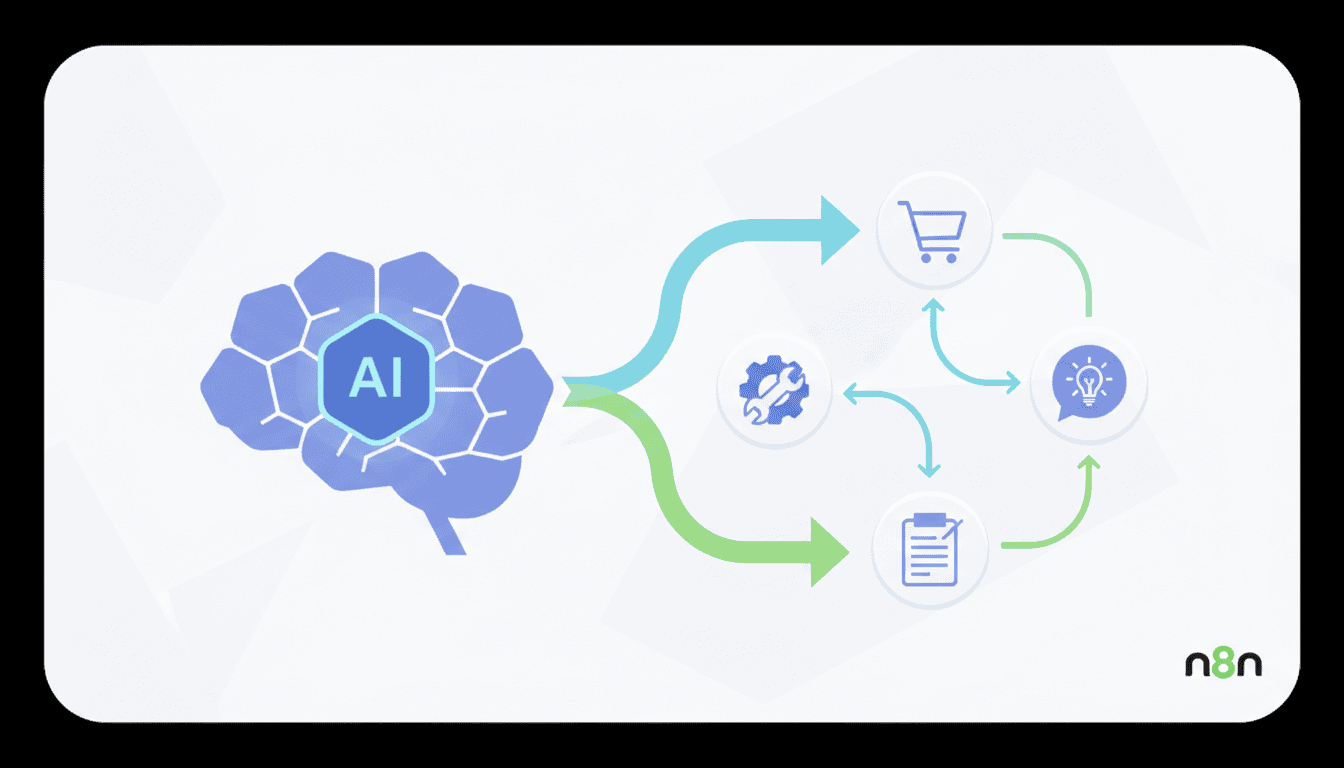
Assess your business operations to identify areas where AI agents for customer support or AI agents for operations could deliver the most impact:
- Customer service: Implementing AI agents to handle common inquiries, reducing response times
- Sales assistance: Using AI to qualify leads and guide prospects through initial sales processes
- Appointment scheduling: Automating the booking process to reduce administrative burden
- Internal operations: Streamlining workflows like data entry, inventory management, or employee onboarding
- Content creation: Leveraging AI to assist with generating marketing materials or social media posts
How AI Agents Can Enhance Customer Experience
AI agents can significantly improve customer interactions through:
- 24/7 availability: Providing round-the-clock support without increasing staffing costs
- Consistent responses: Delivering uniform information across all customer touchpoints
- Personalization: Tailoring interactions based on customer history and preferences
- Reduced wait times: Addressing common inquiries instantly, increasing customer satisfaction
- Seamless escalation: Transitioning complex issues to human representatives when necessary
Designing an Effective AI Agent Workflow
A well-designed workflow is essential for successful AI automation for small businesses. This involves mapping out how your AI agent will interact with users and integrate with your existing business processes.
Mapping Out Customer Interaction Scenarios
Create a comprehensive map of potential customer interactions:
- Identify all possible entry points for customer engagement
- Document the most common questions or requests
- Design conversation flows with appropriate responses
- Define when and how to escalate to human assistance
- Plan for handling unexpected or complex queries
Visual flowcharts can help organize these scenarios and ensure you’ve accounted for various pathways a conversation might take.
Integrating AI Business Assistant Features
Your AI business assistant should seamlessly connect with other business systems to maximize efficiency:
- CRM integration: Allow your AI agent to access and update customer information
- Calendar connectivity: Enable appointment scheduling and management
- Payment processing: Facilitate secure transactions within conversations
- Knowledge base access: Provide accurate information from your existing resources
- Task assignment: Create follow-up tasks for team members when needed
Implementing Your AI Agent
With your platform selected and workflow designed, it’s time to build and deploy your AI agent for small business.
Step-by-Step Guide to Deploying Your AI Agent
Follow these steps to implement your AI solution:
- Set up your platform account: Register and configure your chosen no-code AI platform
- Create your agent: Use the platform’s interface to build your AI agent structure
- Design conversation flows: Implement the interaction scenarios you mapped previously
- Connect knowledge sources: Link relevant documentation, FAQs, and resources
- Integrate with business tools: Connect your CRM, calendar, and other systems
- Configure fallback options: Set up escalation paths for complex scenarios
- Implement security measures: Ensure data protection and privacy compliance
- Launch in test environment: Deploy initially to a limited audience for feedback
Testing and Optimizing Your AI Agent
Thorough testing is crucial before full deployment:
- Internal testing: Have team members interact with the AI agent to identify issues
- User acceptance testing: Invite select customers to provide feedback
- Stress testing: Ensure the system can handle multiple simultaneous interactions
- Edge case identification: Test unusual scenarios to improve robustness
- Performance optimization: Address any lag or response time issues
Monitoring and Updating Your AI Agent
Implementing AI automation for small businesses is not a one-time project. Continuous monitoring and improvement are essential for long-term success.
Using Analytics to Improve AI Performance
Leverage analytics to optimize your AI agent:
- Track conversation completion rates to identify abandonment points
- Monitor resolution rates to gauge effectiveness
- Analyze common queries to expand your knowledge base
- Measure response times and customer satisfaction scores
- Review escalation patterns to identify improvement opportunities
Regularly Updating AI Capabilities
Keep your AI agent relevant and effective through regular updates:
- Refresh response templates based on customer feedback
- Add new capabilities as your platform evolves
- Update integration points when business systems change
- Expand knowledge base with new products, services, or policies
- Implement seasonal or promotional adjustments as needed
Resources
Recommended Tools and Platforms
Beyond the primary no-code platforms, these additional resources can enhance your AI agent implementation:
- Landbot: Specialized in creating conversational landing pages
- Dialogflow: Google’s platform for building conversational experiences
- Airtable: Flexible database that can serve as a knowledge base for your AI agent
- Twilio: Communication APIs for extending your agent to SMS or voice
- Typeform: Interactive forms that can work alongside your AI agent
Further Reading on AI Automation
Expand your knowledge with these valuable resources:
- Harvard Business Review: How Small Businesses Can Use AI to Compete
- McKinsey: The Business Value of AI
- Gartner Insights: Artificial Intelligence Resources
Conclusion
Building an AI agent for small business without coding knowledge is now within reach for entrepreneurs and small business owners. By selecting the right no-code platform, clearly defining your AI’s purpose, designing effective workflows, and implementing a continuous improvement approach, you can leverage AI to enhance customer experiences and streamline operations. Start with a focused application addressing your most pressing business need, then expand as you gain confidence and see results. The investment in AI automation today can position your small business for greater efficiency, customer satisfaction, and competitive advantage in the increasingly digital marketplace.
Frequently Asked Questions
How much does it typically cost to build an AI agent with no-code platforms?
Costs vary widely based on platform and features, but many no-code AI platforms offer starter plans between $20-100 per month. More advanced features or higher usage volumes can increase costs to $200-500+ monthly. Many platforms offer free tiers to get started with basic functionality.
How long does it take to build and deploy an AI agent for a small business?
With no-code platforms, simple AI agents can be created in as little as 1-2 days. More complex implementations with multiple integrations typically take 2-4 weeks from planning to deployment, depending on your team’s availability and the complexity of your requirements.
Do I need any technical background to build an AI agent?
No technical background is required for basic AI agent implementation using no-code platforms. However, understanding your business processes and customer needs thoroughly is essential. Most platforms provide tutorials and documentation designed for non-technical users.
How can I measure the ROI of implementing an AI agent?
Measure ROI by tracking metrics like customer service hours saved, increased conversion rates, improved response times, customer satisfaction scores, and operational costs reduced. Compare these against the implementation and subscription costs of your AI solution.
Can AI agents handle sensitive customer information securely?
Yes, reputable AI platforms implement security measures like encryption and compliance with regulations such as GDPR. However, you should verify the security features of your chosen platform and establish appropriate data handling policies for your AI agent.
What are the limitations of no-code AI agents compared to custom-developed solutions?
No-code solutions may have limitations in handling highly specialized or complex business logic, integration with legacy systems, or extremely high volume transactions. They also offer less customization flexibility than custom-developed solutions, though this gap is narrowing as no-code platforms become more sophisticated.