
No-Code Automation: How to Automate Work Without Developers
In today’s fast-paced business environment, automation has become essential for companies of all sizes looking to streamline operations and boost productivity. However, traditional automation often required extensive programming knowledge or hiring expensive developers. Enter no-code automation – the revolutionary approach that empowers non-technical users to create sophisticated automated workflows without writing a single line of code. This technological democratization is changing how businesses operate, putting powerful automation capabilities directly into the hands of those who understand the processes best.
Understanding No-Code Automation
What is No-Code Automation?
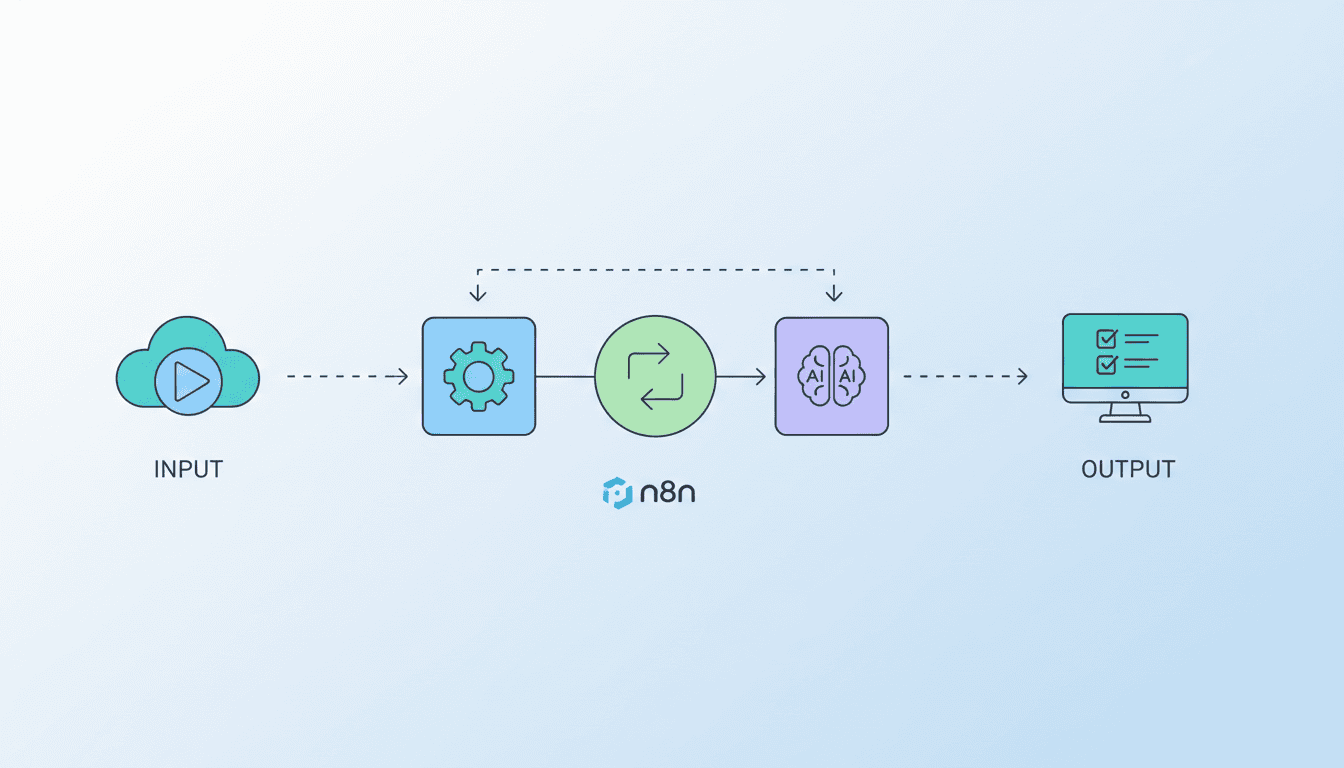
No-code automation refers to the process of automating repetitive tasks and workflows using visual interfaces that require no programming knowledge. These platforms use intuitive drag-and-drop interfaces, pre-built templates, and visual workflow builders that allow users to create complex automation sequences by connecting different applications and actions together.
At its core, no-code automation eliminates the technical barriers that previously prevented non-developers from implementing automation solutions. Users can create workflows by selecting triggers (events that start the automation) and actions (what happens when triggered), connecting them in a logical sequence that mimics their business processes.
Key Benefits of No-Code Automation for Small Businesses
No-code automation for small business offers numerous advantages that can transform operations and competitiveness:
- Cost-effectiveness: Eliminates the need to hire developers or IT specialists to build automation solutions
- Rapid implementation: Reduces time-to-implementation from months to days or even hours
- Empowered teams: Allows employees who understand the business processes to build and modify their own automations
- Improved agility: Enables quick adaptation to changing business requirements without development delays
- Reduced human error: Minimizes mistakes in repetitive, manual processes
- Scalability: Helps small businesses handle growth without proportional increases in staffing
Small businesses particularly benefit from no-code automation as it levels the playing field, giving them access to powerful process optimization tools that were previously only available to larger enterprises with substantial IT budgets.
Choosing the Right No-Code Workflow Builder
Top Features to Look for in No-Code Workflow Builders
When evaluating a no-code workflow builder, consider these essential features:
- User-friendly interface: Intuitive design that non-technical users can navigate easily
- Pre-built templates: Ready-to-use workflows for common business processes
- Wide range of integrations: Native connections to popular business applications
- Customization options: Ability to tailor workflows to your specific needs
- Testing capabilities: Tools to test automations before deployment
- Mobile access: Ability to monitor and manage workflows on mobile devices
- Robust security features: Data encryption and compliance with relevant regulations
- Analytics and reporting: Insights into workflow performance and bottlenecks
The best no-code workflow builders balance simplicity with power, making automation accessible without limiting its potential.
Popular No-Code Workflow Builders Comparison
| Tool | Best For | Key Strength | Pricing Model |
| Zapier | Wide range of integrations | 5,000+ app connections | Freemium with usage-based tiers |
| Make (formerly Integromat) | Complex workflows | Visual workflow design | Freemium with operation-based pricing |
| Airtable | Data-centric operations | Database + automation capabilities | Freemium with feature-based tiers |
| n8n | Data privacy conscious businesses | Self-hostable open source option | Free self-hosted or cloud subscription |
| Microsoft Power Automate | Microsoft-heavy environments | Deep Microsoft ecosystem integration | Subscription-based with flow limits |
Each platform has its own strengths and ideal use cases. For example, n8n offers excellent n8n workflow examples for small businesses looking to maintain control over their data while automating processes.
How to Automate Tasks Without Coding
Step-by-Step Guide to Automate Common Business Tasks
- Identify repetitive tasks: List manual, time-consuming processes in your business
- Determine automation goals: Define what success looks like (time saved, error reduction)
- Select the right tool: Choose a no-code platform that integrates with your existing software
- Map out the workflow: Document the triggers, actions, and decision points
- Build your automation: Use the platform’s visual interface to connect steps
- Test thoroughly: Verify that the automation works as expected with various scenarios
- Deploy and monitor: Launch the automation and track its performance
- Refine and optimize: Make adjustments based on real-world performance
Start with simple processes to build confidence before tackling more complex workflows. Common first automation projects include lead capture from web forms, customer onboarding sequences, and approval processes.
Real-World Examples of No-Code Automation Success
Here are several examples of businesses successfully implementing no-code automation:
- A real estate agency automated client follow-ups, saving 15 hours weekly while increasing response rates by 40%
- An e-commerce store created automated inventory alerts and reordering processes, reducing stockouts by 75%
- A marketing consultancy built client reporting dashboards that automatically update with campaign data, saving 20+ hours monthly on report creation
- A healthcare provider implemented an automated appointment reminder system, decreasing no-shows by 35%
These examples demonstrate how no-code automation can deliver substantial ROI across various industries and use cases, often with implementation times measured in days rather than months.
Overview of No-Code Business Automation Tools
Essential Tools for No-Code Business Automation
Beyond workflow builders, a comprehensive no-code automation strategy often incorporates several types of tools:
- Form builders: Tools like Typeform, JotForm, or Google Forms to collect structured data
- Document automation: Solutions like DocuSign, PandaDoc, or Formstack Documents for paperwork automation
- Data storage and management: Airtable, Notion, or Google Sheets to organize and process information
- Communication automation: Email marketing platforms like Mailchimp or customer messaging tools like Intercom
- AI-powered tools: Platforms like AI agent workflows that can handle complex decision-making within automations
- CRM automation: Customer relationship tools with built-in automation like HubSpot or Pipedrive
The most effective no-code automation strategies combine multiple tools to create end-to-end solutions that address entire business processes rather than isolated tasks.
How to Integrate No-Code Tools into Your Business Processes
Successful integration of no-code automation tools requires thoughtful implementation:
- Process audit: Document existing workflows to identify automation opportunities
- Start small: Begin with a single process to demonstrate value and build expertise
- Involve end users: Include the people who perform the tasks in the automation design process
- Create standards: Establish naming conventions and documentation requirements for consistency
- Build a center of excellence: Identify automation champions who can train others
- Plan for maintenance: Assign responsibility for monitoring and updating automations
Integration should be viewed as an ongoing journey rather than a one-time project. As teams become comfortable with no-code tools, they’ll identify new opportunities to extend automation throughout the organization.
No-Code vs Low-Code Automation: What’s the Difference?
Defining No-Code and Low-Code Automation
While often mentioned together, no-code and low-code automation represent different approaches:
- No-code automation requires absolutely zero programming knowledge. Users work exclusively through visual interfaces and pre-built components to create workflows.
- Low-code automation minimizes the need for coding but still allows for some custom programming to extend functionality beyond what’s available in the visual interface.
Think of no-code as building with Lego blocks that snap together perfectly, while low-code allows you to modify those blocks slightly when needed. Understanding what is n8n helps illustrate this distinction, as n8n provides both no-code visual interfaces and the option for custom JavaScript functions when needed.
Advantages and Disadvantages of Each Approach
| Aspect | No-Code Advantages | Low-Code Advantages |
| Accessibility | Usable by anyone regardless of technical background | Slightly steeper learning curve but still accessible |
| Customization | Limited to platform capabilities | Greater flexibility through custom code extensions |
| Implementation Speed | Fastest time-to-automation | Fast but may require development time for customization |
| Complexity Handling | Best for straightforward processes | Better suited for complex, unique requirements |
| Maintenance | Easier for business users to maintain | May require technical assistance for custom elements |
Many organizations find that a hybrid approach works best—using no-code tools for most automations while reserving low-code approaches for more complex scenarios that require customization beyond what pure no-code can deliver.
Resources
Helpful Guides and Tutorials on No-Code Automation
- Zapier’s Small Business Automation Guide – Comprehensive resource for beginners
- NoCode.Tech – Community with tutorials and inspiration for no-code builders
- AI agent for small business – Guide on integrating AI agents into your automation strategy
- Makerpad YouTube Channel – Video tutorials for various no-code tools and use cases
These resources provide both foundation knowledge and advanced techniques for implementing no-code automation in your business.
Recommended Tools and Software
- For beginners: Zapier, Airtable Automations, or Make (formerly Integromat)
- For data-heavy processes: Airtable, Notion Automations, or Google Sheets + Apps Script
- For visual process design: Make, n8n, or Flowsana
- For Microsoft environments: Power Automate, Power Apps
- For document automation: DocuSign, PandaDoc, or Formstack Documents
Start with tools that offer free plans or trials to experiment before committing to a specific platform. Most businesses eventually use multiple no-code tools in combination to address different automation needs.
Conclusion
No-code automation represents a fundamental shift in how businesses approach process improvement and digital transformation. By removing the technical barriers to automation, these tools empower the people who understand the processes best to build and maintain the solutions they need. Small businesses particularly stand to benefit, gaining access to efficiency tools that were previously the domain of enterprises with large IT departments.
As you embark on your no-code automation journey, remember to start small, document thoroughly, and continuously look for new automation opportunities. The most successful implementations treat automation as an ongoing practice rather than a one-time project. With the right tools and approach, even non-technical teams can create sophisticated automation systems that dramatically improve efficiency, reduce errors, and allow staff to focus on higher-value work.
Frequently Asked Questions
Can no-code automation handle complex business processes?
Yes, modern no-code platforms can handle surprisingly complex processes through conditional logic, multi-step workflows, and integrations with various applications. For extremely complex scenarios with unique requirements, a low-code approach might be necessary to extend functionality.
How much can small businesses typically save with no-code automation?
Small businesses commonly report time savings of 10-20 hours per week for administrative and operational tasks. When translated to labor costs, this often represents thousands of dollars monthly, plus the added benefits of faster execution and fewer errors.
Do I need any technical background to use no-code automation tools?
No technical background is required for most no-code platforms. If you can use spreadsheet software like Excel, you likely have sufficient technical aptitude to learn no-code automation tools. The learning curve focuses on understanding the logical flow of processes rather than technical programming concepts.
How secure are no-code automation platforms?
Leading no-code platforms invest heavily in security and compliance, including data encryption, access controls, and regular security audits. However, it’s important to verify that any platform you use complies with regulations relevant to your industry (like GDPR, HIPAA, etc.) and to follow security best practices when setting up your automations.
Can no-code automation replace my existing software systems?
No-code automation typically works best alongside existing systems rather than replacing them. The power comes from connecting and extending your current tools through automation rather than rebuilding functionality. This integration-first approach delivers faster results with lower risk than replacing entire systems.