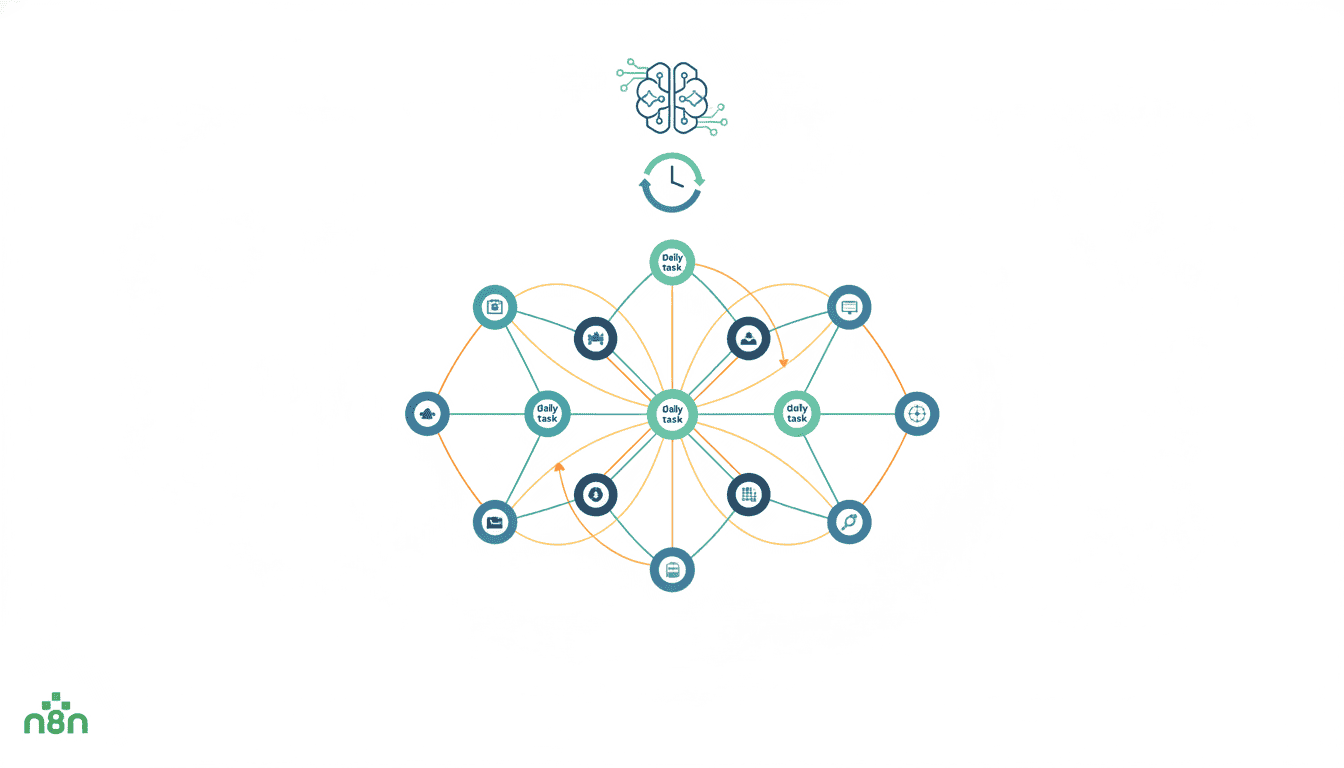
12 Daily Tasks Automation with n8n
In today’s fast-paced digital environment, automation has become essential for productivity and efficiency. n8n, a powerful workflow automation tool, offers numerous possibilities to streamline your daily tasks and eliminate repetitive work. By implementing n8n daily automation tasks, you can save hours of manual effort while ensuring consistency in your operations. This article explores 12 common daily tasks that can be transformed through automation, providing practical guidance on setting up these daily workflows in n8n to reclaim valuable time and focus on more strategic activities.
Automating Email Notifications with n8n
Email notifications represent one of the most common yet time-consuming daily tasks for professionals. By setting up n8n daily automation tasks for email management, you can ensure timely communications without manual intervention. These workflows can handle everything from sending routine updates to responding to specific trigger events.
Setting Up Email Triggers in n8n
Creating email automation in n8n begins with configuring the right triggers. To automate routine tasks in n8n related to email, you’ll need to establish when and why notifications should be sent. Common email triggers include:
- Time-based triggers (daily summaries, weekly reports)
- Event-based triggers (new form submissions, customer inquiries)
- Conditional triggers (inventory levels, performance metrics)
To set up an email trigger, first connect your email service (Gmail, Outlook, etc.) using n8n’s built-in nodes. Then, configure the trigger conditions based on your specific requirements. For instance, you might set up a workflow that monitors a specific folder and sends notifications when new files are uploaded.
Customizing Email Content for Automation
Effective email automation goes beyond just sending notifications—it involves delivering the right content to the right recipients. With n8n recurring tasks, you can create dynamic email templates that populate with real-time data. This approach ensures your communications remain relevant and personalized despite being automated.
To customize email content in n8n:
- Create reusable email templates with variable placeholders
- Use n8n’s expression editor to insert dynamic data into your templates
- Implement conditional formatting based on recipient information or trigger data
- Add personalized greetings and sign-offs to maintain a human touch
By combining these techniques, your automated emails will appear thoughtfully crafted rather than robotically generated, maintaining quality communication while eliminating manual work.
Scheduling Social Media Posts Using n8n
Maintaining a consistent social media presence requires regular posting, which can become a time-consuming daily task. With scheduled automations in n8n, you can plan and automate your social media calendar, ensuring consistent posting without daily manual effort.
Connecting to Social Media APIs
The foundation of social media automation lies in establishing reliable connections to various platforms. n8n offers nodes for popular social networks, allowing you to create daily workflows in n8n that interact directly with these services. To connect your social media accounts:
- Select the appropriate social media nodes in n8n (Twitter, LinkedIn, Facebook, etc.)
- Complete the authentication process for each platform
- Test the connection by sending a sample post
- Configure error handling to manage API rate limits and connection issues
Once connected, you can programmatically create, schedule, and publish content across multiple platforms from a single workflow.
Designing a Social Media Posting Schedule
Creating an effective posting schedule requires strategic planning to automate routine tasks in n8n without sacrificing engagement quality. A well-designed schedule should consider:
| Platform | Optimal Posting Frequency | Best Times |
| 1-2 times daily | 8-10 AM, 1-2 PM | |
| 3-5 times daily | 9 AM, 12 PM, 3 PM | |
| 1-2 times daily | 1-4 PM | |
| 1-2 times daily | 11 AM, 7 PM |
Using n8n’s scheduling capabilities, you can create workflows that automatically post content at these optimal times. You can also incorporate content variety by categorizing posts (promotional, educational, engagement) and setting up rotation patterns to maintain audience interest.
Automating Data Backup Processes with n8n
Regular data backups are crucial for business continuity, yet they’re often overlooked due to their repetitive nature. Implementing n8n recurring tasks for data backup ensures your important information is consistently protected without manual intervention.
Choosing Backup Sources and Destinations
Effective backup automation begins with identifying what needs to be backed up and where it should be stored. Scheduled automations in n8n can be configured to handle various data sources and destinations:
- Common Sources: Databases, CRM systems, document repositories, website content
- Recommended Destinations: Cloud storage (Google Drive, Dropbox, S3), local servers, specialized backup services
When configuring your backup workflow in n8n, consider implementing a multi-destination strategy for critical data, ensuring redundancy across different storage locations. You can use n8n’s conditional logic to determine which data requires this higher level of protection.
Ensuring Data Integrity in Automated Backups
Automation is only valuable if it produces reliable results. For backup workflows, this means ensuring data integrity throughout the process. Daily workflows in n8n can incorporate several verification steps:
- Implement checksums to verify backup file integrity
- Create log files documenting each backup operation
- Set up notification alerts for backup failures or issues
- Schedule periodic test restorations to validate backup quality
By building these safeguards into your automation, you can trust that your backup system is functioning correctly without constant manual oversight. This approach allows you to implement a “set and forget” backup strategy that still provides enterprise-grade data protection.
Creating Daily Reports and Dashboards Using n8n
Reporting is often a time-consuming daily or weekly task that pulls professionals away from more strategic work. When you automate routine tasks in n8n related to reporting, you can deliver consistent insights while reclaiming valuable time.
Gathering Data from Various Sources
Comprehensive reporting typically requires aggregating data from multiple systems. n8n recurring tasks can be configured to collect information from diverse sources, including:
- CRM platforms (Salesforce, HubSpot)
- Analytics tools (Google Analytics, Matomo)
- Financial systems
- Project management software
- Custom databases and APIs
n8n’s ability to connect to these various systems allows you to create a unified data collection workflow that gathers all required information before generating reports. This eliminates the need to manually log into multiple platforms and export data separately.
You can leverage n8n workflow examples to see how other businesses have set up their data aggregation processes for reporting.
Automating Report Generation and Distribution
Once data is collected, the next step is transforming it into actionable reports and ensuring they reach the right stakeholders. Scheduled automations in n8n can handle the entire process:
- Data processing and calculations
- Report formatting (PDF, spreadsheet, dashboard)
- Distribution via email, cloud storage, or direct system integration
- Archiving historical reports for future reference
n8n can be configured to generate different report formats for different audiences, ensuring executives receive high-level dashboards while operational teams get detailed breakdowns. This targeted approach increases the utility of your automated reporting.
Streamlining Customer Support with Automated Responses in n8n
Customer support often involves handling repetitive inquiries that could be automated. Implementing daily workflows in n8n for customer support can improve response times while freeing up your team to handle more complex issues.
Setting Up Automated Reply Workflows
Creating effective automated responses requires careful planning to automate routine tasks in n8n without sacrificing the customer experience. A well-designed automated reply system should:
- Identify common customer inquiries through keyword recognition
- Provide helpful, accurate information in response
- Include clear paths for escalation when human intervention is needed
- Maintain a conversational, helpful tone throughout
n8n’s conditional logic capabilities allow you to create sophisticated response workflows that can handle multiple inquiry types while still feeling personalized to the customer. You can also implement AI agent workflows to enhance your automated customer support with more advanced natural language processing.
Integrating with Support Platforms
For effective support automation, n8n needs to connect seamlessly with your existing customer service infrastructure. n8n recurring tasks can be integrated with:
- Email help desk systems
- Live chat platforms
- CRM systems for customer context
- Knowledge bases for accurate information retrieval
These integrations allow your automated support workflows to operate within your established channels, maintaining consistency in how customers interact with your brand while still benefiting from automation efficiencies.
Integrating Task Management Tools with n8n for Daily Updates
Task management often requires daily updates and status changes across multiple systems. Scheduled automations in n8n can synchronize information between platforms, ensuring everyone has accurate, up-to-date task information without manual data entry.
Connecting to Project Management Software
n8n offers native integrations with popular project management tools, enabling daily workflows in n8n that keep your task information current across systems. Common integration scenarios include:
- Syncing tasks between Trello, Asana, or Jira
- Creating calendar events from task deadlines
- Generating tasks from form submissions or customer requests
- Updating task statuses based on external triggers
These integrations eliminate the need to manually update multiple systems when task information changes, reducing administrative overhead and ensuring consistency across platforms. Using AI agents for small business in conjunction with n8n can further enhance your task management capabilities.
Automating Task Reminders and Deadlines
Meeting deadlines requires timely reminders and clear communication. When you automate routine tasks in n8n related to deadline management, you create a reliable system that helps teams stay on track without constant manual follow-up.
Effective deadline automation workflows typically include:
- Initial assignment notifications with clear deadlines
- Progressive reminders as deadlines approach
- Escalation protocols for at-risk or overdue tasks
- Status updates to stakeholders when tasks are completed
By implementing these automated communications, you create accountability while reducing the administrative burden of tracking and following up on task progress manually.
Resources
To further enhance your n8n automation journey, explore these valuable resources:
- n8n Official Documentation – Comprehensive guides on all available nodes and features
- n8n Blog – Regular updates with automation tips and use cases
- What is n8n – A detailed introduction to n8n’s capabilities and benefits
- n8n Community Forum – Connect with other users to share workflows and solve challenges
Conclusion
Implementing these 12 daily task automations with n8n can transform your productivity and operational efficiency. By strategically automating repetitive tasks, you free up valuable time for more creative and strategic work while ensuring consistency in routine operations. The versatility of n8n makes it suitable for businesses of all sizes, from solopreneurs to enterprise teams looking to streamline their workflows.
Start small by identifying your most time-consuming daily tasks, then gradually expand your automation ecosystem as you become more comfortable with the platform. Remember that effective automation is an iterative process—continually refine your workflows to address changing needs and incorporate new efficiencies.
With the right approach to automation, you can create a more productive, less stressful work environment where technology handles the routine while humans focus on innovation and growth.
Frequently Asked Questions
What kinds of daily tasks can I automate with n8n?
n8n can automate a wide range of daily tasks including email notifications, social media posting, data backups, report generation, customer support responses, and task management updates. Essentially, any repetitive task that follows a consistent pattern is a good candidate for automation.
Do I need programming skills to use n8n?
While programming knowledge can be helpful, n8n is designed with a visual workflow builder that allows users without coding experience to create powerful automations. For more complex scenarios, basic JavaScript knowledge can help customize your workflows further.
Can n8n connect with the tools I already use?
Yes, n8n offers integrations with hundreds of popular services including Google Workspace, Microsoft 365, Slack, Trello, Asana, HubSpot, Salesforce, and many more. If a native integration isn’t available, you can typically connect via webhooks or the HTTP Request nodes.
Is n8n suitable for small businesses or is it only for enterprises?
n8n is highly scalable and suitable for businesses of all sizes. Small businesses often benefit most from automation as it allows them to accomplish more with limited resources. The self-hosted option also makes n8n cost-effective for smaller organizations.
How secure is n8n for handling sensitive business data?
n8n takes security seriously and offers both cloud and self-hosted deployment options. The self-hosted version allows you to keep all data within your own infrastructure. n8n also supports encrypted credentials and doesn’t store your actual authentication information for third-party services.
How long does it take to set up a basic automation in n8n?
Simple automations can be set up in minutes, while more complex workflows might take a few hours to configure properly. Once you become familiar with the platform, you’ll be able to create new workflows much more quickly by leveraging templates and previous experience.