
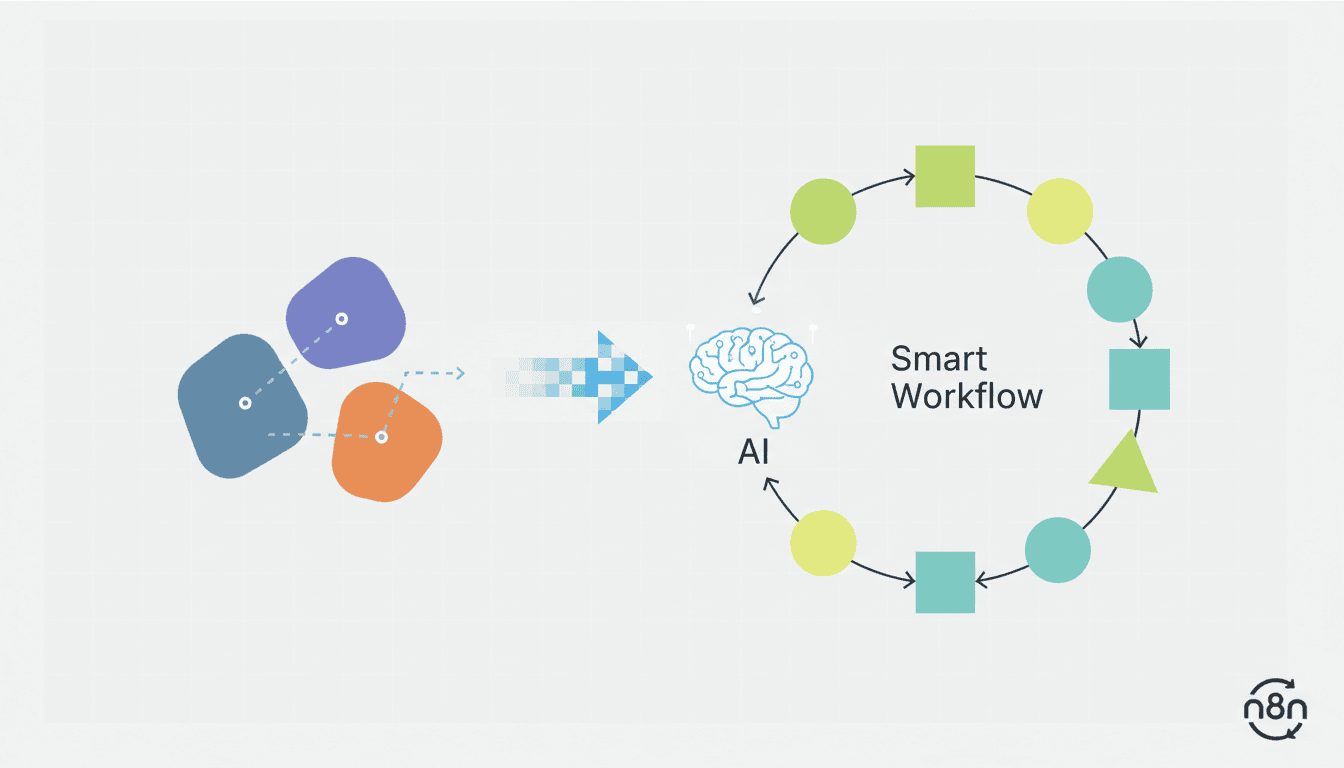
AI Workflow Automation: How to Turn Manual Processes into Smart Workflows
In today’s fast-paced business environment, AI workflow automation has emerged as a critical technology for companies seeking to streamline operations and stay competitive. By transforming time-consuming manual processes into intelligent, automated workflows, organizations can significantly reduce human error, save valuable time, and allocate resources more effectively. This guide explores how businesses can implement AI process automation to optimize their operations and drive better outcomes.
Understanding AI Workflow Automation
Defining AI Workflow Automation
AI workflow automation refers to the use of artificial intelligence technologies to handle routine, repetitive tasks without human intervention. Unlike traditional automation that follows rigid rules, AI workflow automation can adapt, learn from patterns, and make decisions based on data inputs. This technology combines machine learning, natural language processing, and other AI capabilities to create intelligent workflows that can evolve and improve over time.
At its core, AI workflow automation involves teaching systems to recognize patterns, make decisions based on those patterns, and execute actions accordingly. These systems can process both structured and unstructured data, making them incredibly versatile for various business applications.
Benefits of AI Workflow Automation
Implementing AI workflow automation offers numerous advantages for businesses of all sizes:
- Increased Efficiency: Automation eliminates manual handling of repetitive tasks, allowing processes to run continuously without breaks or delays.
- Reduced Errors: AI systems follow precise instructions and don’t suffer from fatigue or distraction, leading to fewer mistakes.
- Cost Savings: By automating routine tasks, companies can redirect human resources to more strategic, creative, and value-adding activities.
- Scalability: Automated workflows can handle increasing workloads without proportional increases in resources.
- Data-Driven Insights: AI tools can analyze process data to provide insights for continuous improvement.
- Improved Customer Experience: Faster, more accurate processes result in better service delivery and customer satisfaction.
Identifying Areas for Automation
Analyzing Current Manual Processes
Before you can automate workflows with AI, you need to thoroughly understand your current operations. Start by documenting your existing processes in detail:
- Map out each step of your current workflows, identifying inputs, outputs, decision points, and handoffs.
- Measure the time taken for each process step and identify bottlenecks.
- Calculate error rates and their associated costs.
- Determine which processes consume the most human hours.
- Identify tasks that are highly repetitive and rule-based.
This analysis will provide a clear picture of where automation could have the most significant impact on your operations.
Selecting Processes for Automation
Not all processes are equally suitable for automation. When choosing which workflows to automate with AI, consider these factors:
| High Priority | Medium Priority | Low Priority |
| High-volume, repetitive tasks | Processes with some variations but clear patterns | Creative or highly strategic processes |
| Rule-based decision making | Semi-structured data processing | Processes requiring significant human judgment |
| Data entry and validation | Customer support triage | Relationship-based activities |
| Document processing | Basic content generation | Highly variable processes |
The ideal candidates for initial automation are processes that are time-consuming, repetitive, prone to human error, and have clear rules or patterns that AI can learn.
Choosing the Right AI Workflow Tools
Criteria for Selecting AI Tools
When evaluating AI workflow tools and AI-driven workflow engines, consider these key factors:
- Integration capabilities: The tool should easily connect with your existing software ecosystem.
- Scalability: Can the solution grow with your business needs?
- Ease of use: Look for tools with intuitive interfaces that don’t require extensive technical expertise.
- Customization options: Your business processes are unique, and your automation tools should adapt to them.
- Security features: Ensure the tool has robust data protection and compliance capabilities.
- Support and training: Consider the availability of customer support and training resources.
- Cost structure: Evaluate the pricing model against your expected ROI.
Top AI Workflow Tools Available
Several powerful AI workflow tools are available to help businesses automate their processes:
- n8n: An open-source workflow automation tool that connects apps, services, and APIs. It’s particularly effective for creating AI agent workflows that can handle complex business logic.
- UiPath: A comprehensive RPA platform with AI capabilities for automating desktop and web-based applications.
- Microsoft Power Automate: Offers AI Builder features for adding intelligence to automated workflows within the Microsoft ecosystem.
- Zapier: Connects thousands of apps and services with basic AI-powered features for simple workflow automation.
- Workato: Enterprise automation platform with AI capabilities for complex business processes.
- Automation Anywhere: Combines RPA with AI to automate end-to-end business processes.
Implementing AI Workflows for Business
Steps to Implement AI Workflows
A successful implementation of AI workflows for business requires a systematic approach:
- Define clear objectives: Establish specific goals and KPIs for your automation project.
- Start small: Begin with a pilot project to demonstrate value and learn from the experience.
- Design the workflow: Map out the automated process, including triggers, actions, and decision points.
- Select and configure tools: Choose appropriate AI tools and customize them to your specific needs.
- Test thoroughly: Validate the workflow with various scenarios before full deployment.
- Train users: Ensure team members understand how to work with and manage the automated workflows.
- Monitor and optimize: Continuously track performance and refine the automation based on results.
For complex business processes, consider using n8n workflow examples as templates to accelerate your implementation.
Measuring Success and ROI
To evaluate the effectiveness of your AI workflow automation, track these key metrics:
- Time savings: Compare the time required for manual vs. automated processes.
- Error reduction: Measure decreases in mistakes and rework.
- Cost savings: Calculate labor cost reductions and resource reallocation benefits.
- Process throughput: Track increases in the volume of transactions or activities processed.
- Employee satisfaction: Survey team members about their experiences with the new workflows.
- Customer satisfaction: Monitor changes in customer feedback related to automated processes.
Calculating ROI should account for both direct cost savings and indirect benefits such as improved quality, faster service delivery, and enhanced employee focus on higher-value tasks.
Resources
Additional Reading and Tools
Expand your knowledge of AI workflow automation with these resources:
- McKinsey: Automation at Scale: Research on the impact of automation in various industries.
- What is n8n: A comprehensive guide to understanding this powerful workflow automation platform.
- Gartner: Hyperautomation: Insights into the future of business process automation.
- AI agent for small business: Learn how to implement AI agents to automate business processes.
Case Studies of Successful Implementations
Learn from organizations that have successfully implemented AI workflow automation:
- Financial Services: A major bank automated loan processing workflows, reducing approval times from 7 days to 24 hours while improving accuracy by 35%.
- Healthcare: A hospital network implemented AI-powered patient intake workflows, saving over 2,000 staff hours monthly and improving patient satisfaction scores.
- E-commerce: An online retailer automated customer support workflows with AI, handling 70% of inquiries without human intervention and improving response times by 90%.
- Manufacturing: A production facility used AI workflows to optimize supply chain operations, reducing inventory costs by 15% and shortening fulfillment times.
Conclusion
AI workflow automation represents a transformative opportunity for businesses to optimize operations, reduce costs, and improve outcomes. By carefully identifying suitable processes, selecting the right tools, and implementing a systematic approach to automation, organizations can achieve significant benefits. Start with small, high-impact projects to build momentum and expertise, then expand your automation initiatives based on measured success.
Remember that successful AI workflow automation is not just about technology implementation—it’s about transforming how your business operates. With the right strategy and tools like n8n for creating intelligent workflows, you can turn manual processes into smart, efficient systems that drive competitive advantage and business growth.
Frequently Asked Questions
What is the difference between traditional automation and AI workflow automation?
Traditional automation follows rigid, predetermined rules and can only handle structured data and predictable scenarios. AI workflow automation uses machine learning and other AI technologies to adapt to changing conditions, learn from patterns, process unstructured data, and make decisions based on complex inputs.
How do I know which processes to automate first?
Start with processes that are highly repetitive, time-consuming, rule-based, and prone to human error. Look for tasks with high volume that follow consistent patterns. These typically provide the quickest ROI and demonstrate value to stakeholders.
What skills do we need on our team to implement AI workflow automation?
While technical expertise is helpful, many modern AI workflow tools are designed with user-friendly interfaces. You’ll benefit from having team members with process analysis skills, basic understanding of data structures, and an ability to think logically about workflow design. For more complex implementations, data science or development skills may be necessary.
How long does it typically take to implement AI workflow automation?
Implementation timelines vary widely based on process complexity, tool selection, and organizational readiness. Simple workflows might be automated in days or weeks, while complex enterprise-wide implementations can take months. Starting with smaller pilot projects can deliver quick wins while building toward more comprehensive automation.
Will AI workflow automation replace human workers?
Rather than replacing workers, AI workflow automation typically shifts human focus from repetitive tasks to more strategic, creative, and interpersonal activities. Most successful implementations augment human capabilities and allow employees to focus on higher-value work that requires judgment, creativity, and emotional intelligence.
How much can we expect to save by implementing AI workflow automation?
Cost savings vary by industry and process, but research suggests that well-implemented AI workflow automation can reduce operational costs by 15-40% for automated processes while improving speed, accuracy, and consistency. The full ROI should consider both direct cost savings and indirect benefits such as improved quality and customer satisfaction.