
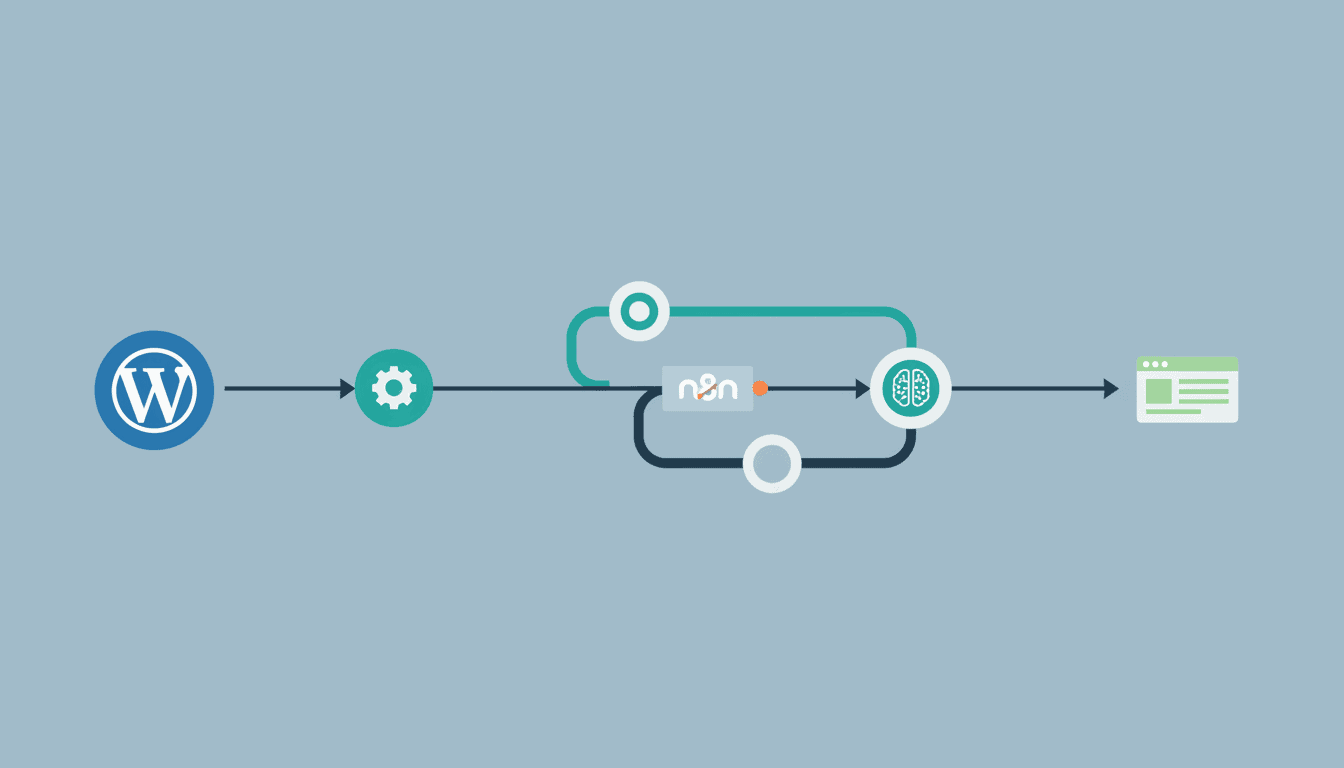
How to Automate WordPress Tasks with n8n
Managing a WordPress site involves numerous repetitive tasks that can consume valuable time and resources. By implementing n8n WordPress automation, you can streamline these processes, increase productivity, and ensure consistency across your website operations. This comprehensive guide will walk you through setting up n8n and creating powerful workflows to automate various WordPress tasks, from content publishing to integration with other services.
Setting Up n8n for WordPress Automation
Before diving into automation, you need to properly set up n8n and connect it to your WordPress site. This foundational step ensures seamless communication between these platforms and enables powerful automation capabilities.
Creating an n8n Account
Getting started with n8n is straightforward but requires careful attention to detail:
- Choose your n8n deployment method: You can use n8n Cloud for a hassle-free experience or self-host for more control over your data.
- Sign up for an account: Visit the n8n website and register with your email address.
- Verify your account: Confirm your email to activate your n8n account.
- Access the n8n dashboard: Log in to access the workflow editor where you’ll create your automation workflows.
Connecting n8n to WordPress via API
To establish the wordpress API n8n connection, follow these steps:
- Install and activate the WP REST API Authentication plugin on your WordPress site to enable secure API access.
- Generate API credentials in your WordPress admin panel.
- In n8n, add a new WordPress node to your workflow.
- Configure the WordPress node with your site URL and authentication details.
- Test the connection to ensure n8n can properly communicate with your WordPress site.
| Authentication Method | Best For | Setup Complexity |
| Application Password | Simple setups, beginners | Low |
| OAuth | More secure applications | Medium |
| JWT Authentication | Advanced setups, developers | High |
Proper API connection is crucial as it forms the foundation for all your WordPress automation tasks with n8n.
Automating WordPress Posts with n8n
Once connected, you can begin implementing wordpress post automation n8n workflows to handle content creation and publishing processes automatically.
Setting Up Triggers for New Posts
Triggers are events that initiate your automation workflows. For WordPress post automation, you can set up various triggers:
- Scheduled triggers: Run workflows at specific times or intervals
- Webhook triggers: Activate workflows when specific events occur on your WordPress site
- Manual triggers: Start workflows with the click of a button
- External service triggers: Initiate workflows based on events from other platforms (like Google Sheets or Airtable)
For example, you could create a trigger that activates whenever a new post draft is saved, allowing for automatic formatting, SEO checks, or scheduling.
Creating Workflow for Post Publishing
Building a wp workflow automation system for post publishing involves several key components:
- Create a new workflow in n8n and add your preferred trigger.
- Add a WordPress node configured to create or update posts.
- Configure the data mapping to determine how information flows from your trigger to the WordPress actions.
- Add conditional logic to handle different scenarios (e.g., different post types or categories).
- Test your workflow to ensure it functions correctly.
- Activate the workflow to begin automating your post publishing process.
A simple example workflow could take a Google Doc and automatically convert it to a WordPress post, complete with proper formatting, featured images, and tags – all without manual intervention. This is just one of many n8n workflow examples that can save time for content creators.
Utilizing n8n for Advanced WordPress Content Automation
Beyond basic post creation, n8n offers powerful options to automate wordpress content across various aspects of your site management.
Scheduled Posts and Content Updates
Maintaining a consistent content schedule is crucial for audience engagement. With n8n, you can implement advanced scheduling and update strategies:
- Bulk scheduling: Prepare multiple posts in advance and schedule them according to your content calendar.
- Recurring updates: Set up workflows to automatically update time-sensitive content (like event listings or seasonal promotions).
- Content rotation: Create workflows that cycle through featured content based on performance metrics or time periods.
- Dynamic content updates: Automatically refresh content with new data from external sources.
These automation capabilities ensure your WordPress site stays fresh and up-to-date with minimal manual intervention, allowing you to focus on content creation rather than administrative tasks.
Integrating Other Services with WordPress
One of n8n’s greatest strengths is its ability to connect WordPress with numerous other services, creating powerful AI agent workflows that extend beyond basic website management:
- Social media integration: Automatically share new posts across multiple platforms.
- Email marketing: Sync WordPress content with email campaigns in services like Mailchimp or SendGrid.
- E-commerce functionality: Connect WordPress to payment processors, inventory systems, or order management tools.
- Analytics and reporting: Create automated reports on content performance and user engagement.
- CRM integration: Sync customer data between WordPress and your CRM system.
These integrations transform your WordPress site from a standalone platform into the centerpiece of a comprehensive digital ecosystem. For small business owners, this approach can be particularly valuable, as discussed in guides about AI agent for small business applications.
Resources
To further enhance your n8n WordPress automation capabilities, explore these valuable resources:
- n8n WordPress Node Documentation – Official documentation for the WordPress integration in n8n.
- WordPress REST API Handbook – Comprehensive guide to understanding and using the WordPress API.
- What is n8n – An in-depth explanation of n8n’s capabilities and potential applications.
Conclusion
Implementing n8n WordPress automation can dramatically transform how you manage your website. By automating routine tasks like post publishing, content updates, and cross-platform integration, you free up valuable time to focus on creating quality content and growing your audience. The flexibility of n8n allows you to create workflows tailored to your specific needs, whether you’re running a personal blog, managing a business site, or overseeing a large content platform.
Start with simple automations to build familiarity with the platform, then gradually expand to more complex workflows as your comfort level increases. With each automated task, you’ll not only save time but also ensure consistency and reduce the potential for human error.
Frequently Asked Questions
What is n8n and how does it help with WordPress?
n8n is a powerful workflow automation tool that connects apps and services. For WordPress, it enables automating tasks like post publishing, content updates, user management, and integrations with other platforms without requiring coding knowledge.
Do I need technical skills to use n8n with WordPress?
Basic technical understanding is helpful, but n8n features a visual workflow builder that makes it accessible even to non-developers. The more complex your automation needs, the more technical knowledge may be beneficial.
Can n8n access my WordPress database directly?
n8n typically interacts with WordPress through its REST API rather than accessing the database directly. This provides a secure, standardized way to read and write WordPress data.
Is n8n secure for WordPress website automation?
Yes, when properly configured, n8n provides secure automation. It uses modern authentication methods and allows you to manage access permissions. For additional security, consider self-hosting n8n if you’re handling sensitive data.
Can I automate WooCommerce with n8n?
Absolutely. n8n can interact with WooCommerce through the WooCommerce REST API, allowing you to automate order processing, inventory management, product creation, and more.
What are the limitations of using n8n with WordPress?
While powerful, n8n may face API rate limits from WordPress, might require additional plugins for certain functionalities, and very complex workflows may need custom scripting using n8n’s Function nodes.