
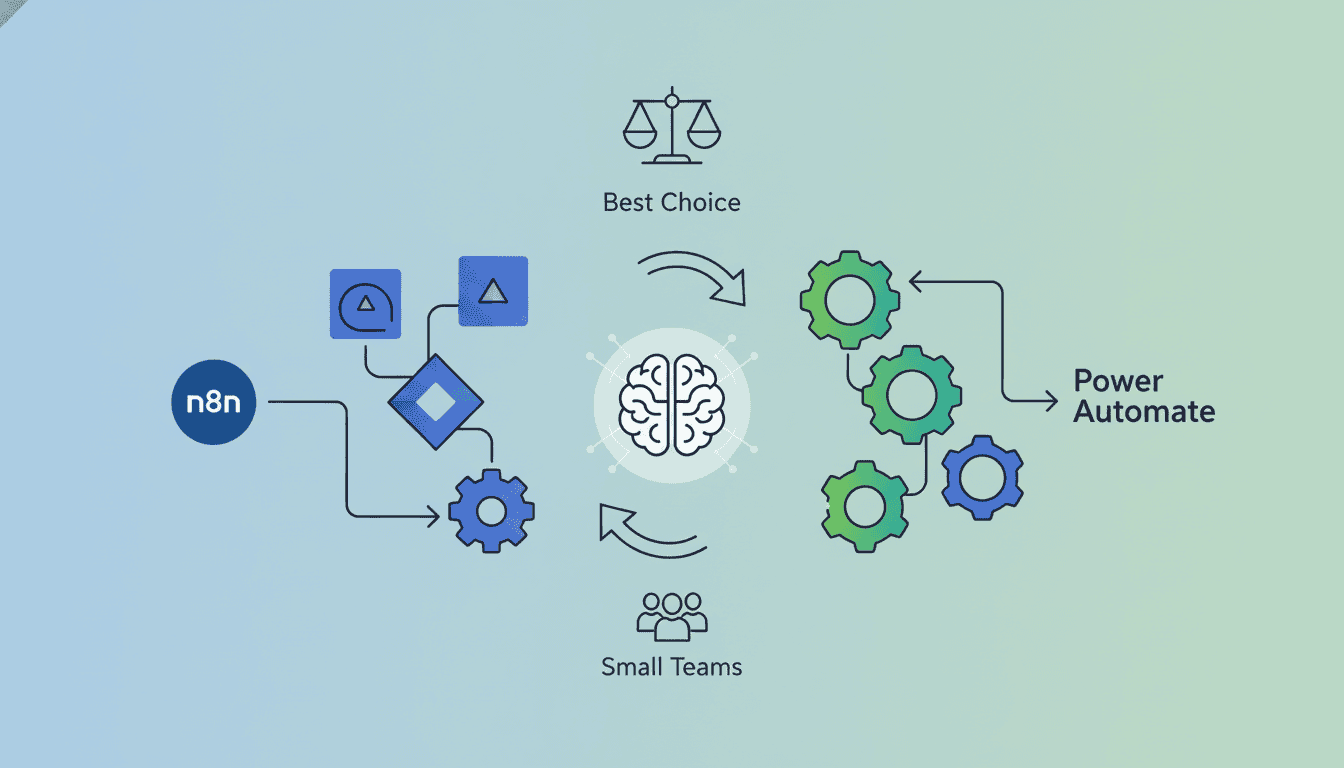
n8n vs Power Automate: Best Choice for Small Teams?
When it comes to workflow automation tools, small teams often struggle to choose between n8n and Power Automate. Both platforms promise to streamline operations and boost productivity, but they differ significantly in their approach, capabilities, and cost structures. This comprehensive n8n vs Power Automate comparison will help small teams determine which automation platform best suits their specific needs, budget constraints, and technical capabilities. Let’s dive into the key differences and similarities to help you make an informed decision for your team’s automation journey.
Features Comparison of n8n and Power Automate
Before committing to either platform, it’s essential to understand what each brings to the table in terms of core functionality and capabilities. The n8n vs Power Automate debate starts with a thorough examination of their features.
Automation Capabilities
Both n8n and Power Automate offer robust workflow automation capabilities, but they approach automation from different angles.
n8n provides a highly flexible, code-free environment where users can create complex workflows using a visual editor. It excels in offering:
- Fair-code licensing model allowing self-hosting, also n8n Hostinger.
- Complex conditional logic and branching capabilities
- Custom JavaScript code snippets for advanced customization
- Webhook functionality for real-time automation triggers
Power Automate, as part of Microsoft’s ecosystem, offers:
- Tight integration with Microsoft 365 applications
- AI Builder capabilities for intelligent automation
- Robust desktop automation with Power Automate Desktop
- Pre-built templates for common workflow scenarios
Integration Options
The power of automation tools lies in their ability to connect various applications and services.
n8n offers:
- Over 200 native integrations with popular services and apps
- HTTP Request nodes for connecting to virtually any API
- Custom integration capabilities through JavaScript
- Community-contributed nodes expanding the integration ecosystem
Power Automate provides:
- 275+ connectors to various third-party apps and services
- Premium connectors for enterprise applications
- Deep Microsoft ecosystem integration
- Custom connectors for proprietary or legacy systems
When comparing n8n vs Power Automate on integrations, Power Automate offers more out-of-the-box connectors, but n8n provides greater flexibility for custom integrations through its HTTP nodes and JavaScript functions.
User Interface and Experience
The user interface significantly impacts adoption and productivity when implementing automation tools in small teams.
n8n features:
- A clean, node-based visual workflow editor
- Intuitive drag-and-drop functionality
- Clear visibility of data flow between nodes
- Developer-friendly interface with JSON support
Power Automate offers:
- A guided, step-by-step flow creation process
- Multiple interface options (web, mobile, desktop)
- Familiar Microsoft design language
- Simplified trigger and action selection
n8n’s user experience tends to favor those with some technical background, while Power Automate has been designed with accessibility in mind for users of all technical skill levels.
Pricing Analysis of n8n vs Power Automate
Cost considerations are crucial for small teams with limited budgets. The pricing structures of n8n and Power Automate differ significantly, impacting the total cost of ownership.
Cost of n8n for Small Teams
n8n offers several pricing options to accommodate different team sizes and needs:
| Plan | Price | Key Features |
| Open Source | Free | Self-hosted, full functionality, community support |
| Cloud (Basic) | $20/month | Hosted solution, 10k executions/month |
| Teams | $45/user/month | Team collaboration, role-based access control |
| Enterprise | Custom pricing | Advanced security, priority support |
The n8n pricing model offers significant advantages for small teams, especially those with technical capability to self-host. The ability to start with the free open-source version allows teams to test the platform extensively before committing financial resources.
Cost of Power Automate for Small Teams
Microsoft Power Automate offers a subscription-based pricing structure:
| Plan | Price | Key Features |
| Per user plan | $15/user/month | Unlimited flows, premium connectors |
| Per flow plan | $100/flow/month (min 5 flows) | Unlimited users per flow |
| Process plan | $40/user/month | Includes RPA capabilities |
| Microsoft 365 | Included with some licenses | Limited connectors and functionality |
Power Automate’s pricing can become expensive for small teams requiring premium connectors or process automation. However, teams already using Microsoft 365 may already have access to basic Power Automate functionality as part of their subscription.
Value for Money Assessment
When conducting a cost-benefit analysis of n8n vs Power Automate, several factors should be considered:
- Total cost of ownership: n8n’s self-hosting option requires technical resources but can be more cost-effective long-term
- Existing investments: Teams already using Microsoft products may find greater value in Power Automate
- Growth projections: Consider how pricing scales as your team and automation needs grow
- Implementation costs: Factor in training, setup, and maintenance
For small teams with technical capabilities, n8n often provides better value for money, especially when considering the self-hosting option. However, teams deeply integrated into the Microsoft ecosystem may find Power Automate’s native integrations offset its higher cost through reduced implementation time and maintenance.
User Community and Support for n8n and Power Automate
Access to support resources and community knowledge can significantly impact the success of automation initiatives, especially for small teams without dedicated support staff.
Support Availability for n8n
n8n offers various support channels:
- Active GitHub community with regular updates and issue tracking
- Official documentation with tutorials and examples
- Community forum for peer-to-peer assistance
- Discord channel for real-time community support
- Priority support for paid plan subscribers
The n8n community is technically oriented and growing rapidly. For teams comfortable with a community support model and self-service resources, n8n’s support ecosystem is robust and responsive.
Support Availability for Power Automate
Microsoft offers comprehensive support for Power Automate:
- Extensive official documentation and learning resources
- Microsoft Community forums with active participation
- Microsoft Learn educational platform with guided learning paths
- Official support tickets for paid subscribers
- Large partner ecosystem for professional services
Power Automate benefits from Microsoft’s established enterprise support infrastructure. Small teams can access a vast knowledge base and multiple support channels, though response times for free-tier users may vary.
User Experiences and Reviews
User reviews and customer feedback provide valuable insights into the real-world performance of both platforms:
n8n user feedback highlights:
- High marks for flexibility and customization options
- Praise for transparent pricing and self-hosting capabilities
- Some users note a steeper learning curve for non-technical team members
- Positive mentions of responsive community support
Power Automate user feedback emphasizes:
- Appreciation for seamless Microsoft ecosystem integration
- Satisfaction with the guided interface for non-technical users
- Some concerns about pricing complexity and hidden costs
- Mixed reviews on support response times
Use Cases: When to Choose Each Tool
Different organizational needs and contexts may favor one platform over the other when comparing n8n vs Power Automate.
Best Scenarios for n8n
n8n is particularly well-suited for:
- Privacy-focused teams: Self-hosting ensures data never leaves your infrastructure
- Developer-heavy teams: Technical teams appreciate the flexibility and JavaScript capabilities
- Budget-conscious startups: The free self-hosted option provides enterprise-grade capabilities without the cost
- Open-source advocates: Teams that prefer transparent, community-driven development
- Complex integration scenarios: When custom API integrations are essential
n8n use cases shine in environments where technical flexibility, cost control, and data sovereignty are primary concerns.
Best Scenarios for Power Automate
Power Automate excels in these scenarios:
- Microsoft-centric organizations: Teams heavily invested in Microsoft 365 and Dynamics
- Non-technical user bases: When ease of use for all skill levels is critical
- Enterprise compliance requirements: Organizations needing Microsoft’s compliance certifications
- RPA implementation: Teams requiring desktop automation capabilities
- AI-enhanced workflows: When AI Builder functionality adds value
The ideal Power Automate use cases typically involve Microsoft-aligned organizations seeking an accessible automation platform with enterprise-grade governance features.
Resources
Helpful Links and Tutorials
To deepen your understanding of both platforms, these tutorials and guides offer valuable insights:
n8n Resources:
- Official n8n documentation and getting started guides
- n8n YouTube channel with workflow demonstrations
- GitHub repository with example workflows.
- Community-created workflow templates
Power Automate Resources:
- Microsoft Learn Power Automate learning paths
- Power Automate blog with tips and best practices
- Power Automate Community forum templates
- Microsoft’s official Power Automate YouTube channel
Comparison Articles and Analysis
For more detailed analysis and comparison articles between n8n and Power Automate, consider exploring:
- Independent review sites like G2 and Capterra
- Tech blogs covering automation tools
- Industry analyst reports on workflow automation platforms
- Case studies from organizations similar to yours
These detailed analyses can provide additional perspectives beyond this comparison to inform your decision-making process.
Conclusion
The n8n vs Power Automate decision ultimately depends on your team’s specific context, technical capabilities, existing technology investments, and workflow automation needs. n8n offers greater flexibility, customization options, and cost-effectiveness for technically-inclined teams, particularly those valuing data privacy through self-hosting. Power Automate provides seamless Microsoft integration, better accessibility for non-technical users, and enterprise-grade governance features.
Small teams should carefully evaluate both platforms based on their specific automation requirements, technical capabilities, and budget constraints. Many organizations find that a hybrid approach works best, using n8n for complex, custom workflows requiring complete control, while leveraging Power Automate for Microsoft-centric processes and user-friendly automation needs accessible to all team members.
Whatever your choice between n8n vs Power Automate, the most important step is starting your automation journey to improve efficiency, reduce manual tasks, and allow your small team to focus on high-value work.
Frequently Asked Questions
Is n8n completely free to use?
n8n offers a free, open-source version that can be self-hosted with full functionality. However, for cloud hosting and enterprise features like team collaboration and role-based access control, paid plans are available starting at $20/month. The free self-hosted version is a viable option for small teams with technical capabilities.
Does Power Automate require a Microsoft 365 subscription?
While some basic Power Automate functionality is included with Microsoft 365 subscriptions, full access to premium connectors and advanced features requires dedicated Power Automate licenses. Teams should check their existing Microsoft 365 subscriptions to determine what Power Automate capabilities they already have access to.
Can n8n connect to Microsoft services like Power Automate can?
Yes, n8n can connect to Microsoft services through its Microsoft nodes and HTTP Request nodes. However, the integration is not as seamless as Power Automate’s native connections. For teams heavily invested in the Microsoft ecosystem, this is an important consideration in the n8n vs Power Automate comparison.
Which platform has a lower learning curve for non-technical users?
Power Automate generally offers a more accessible experience for non-technical users with its guided interface and familiar Microsoft design language. n8n has a steeper learning curve but provides greater flexibility once mastered. Small teams should consider their users’ technical proficiency when making a decision.
Can I migrate workflows between n8n and Power Automate?
There is no direct migration path between n8n and Power Automate. Workflows would need to be rebuilt manually when switching platforms. This makes the initial platform choice particularly important, as changing later could require significant redevelopment effort.
Which platform offers better data security and privacy?
n8n’s self-hosting option provides maximum data privacy as all data and workflows remain within your infrastructure. Power Automate, as a cloud service, follows Microsoft’s security protocols and compliance certifications. Teams with strict data sovereignty requirements may prefer n8n’s self-hosted approach.